Daos PDF

Scan, sign, edit & convert PDF

New: redact documents for good, text recognition in 12 languages, pages edge to edge. Scan, sign, edit and convert PDFs, private by design and with no account.

Coming soon to the App Store
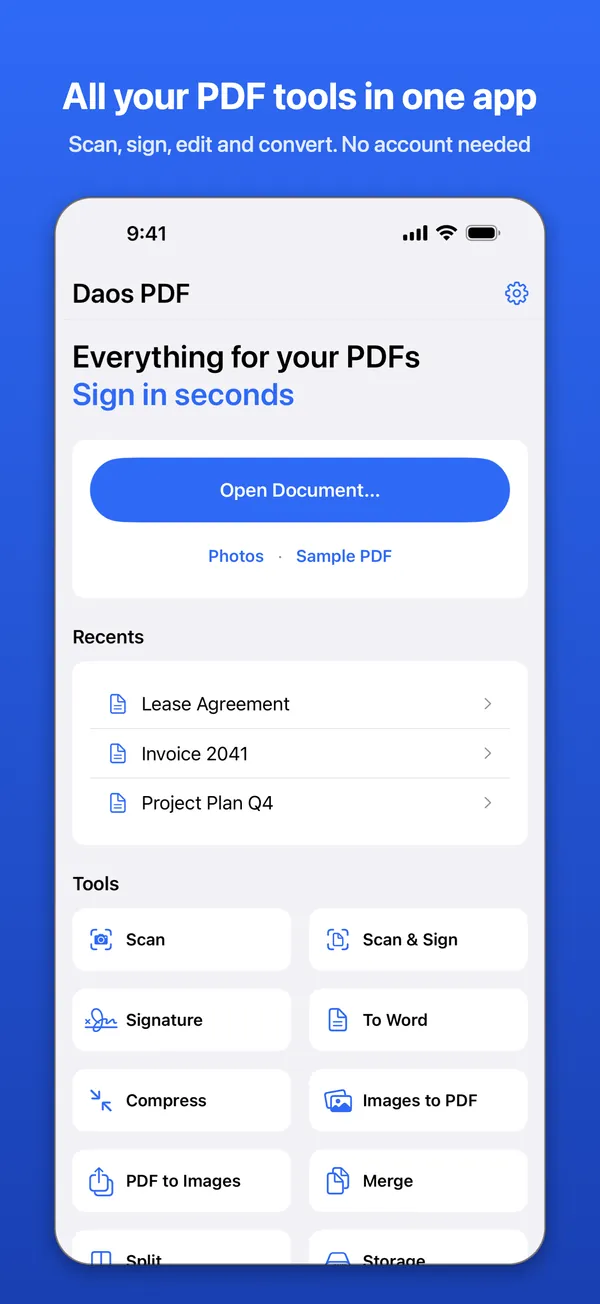
All your PDF tools in one app
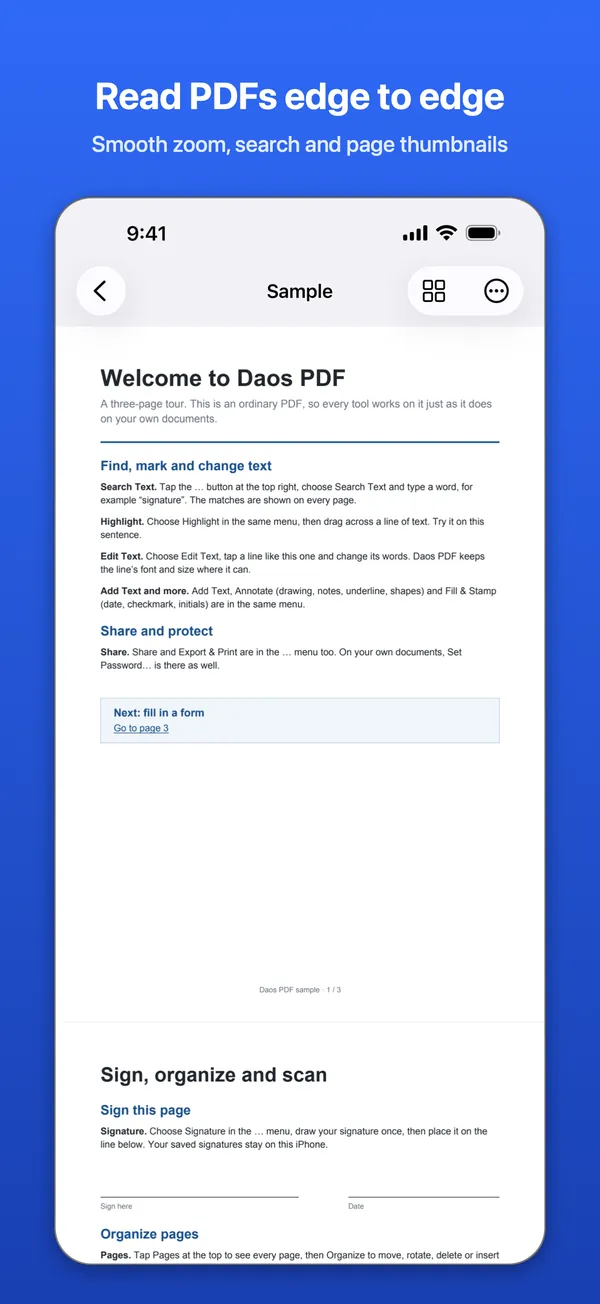
Read PDFs edge to edge
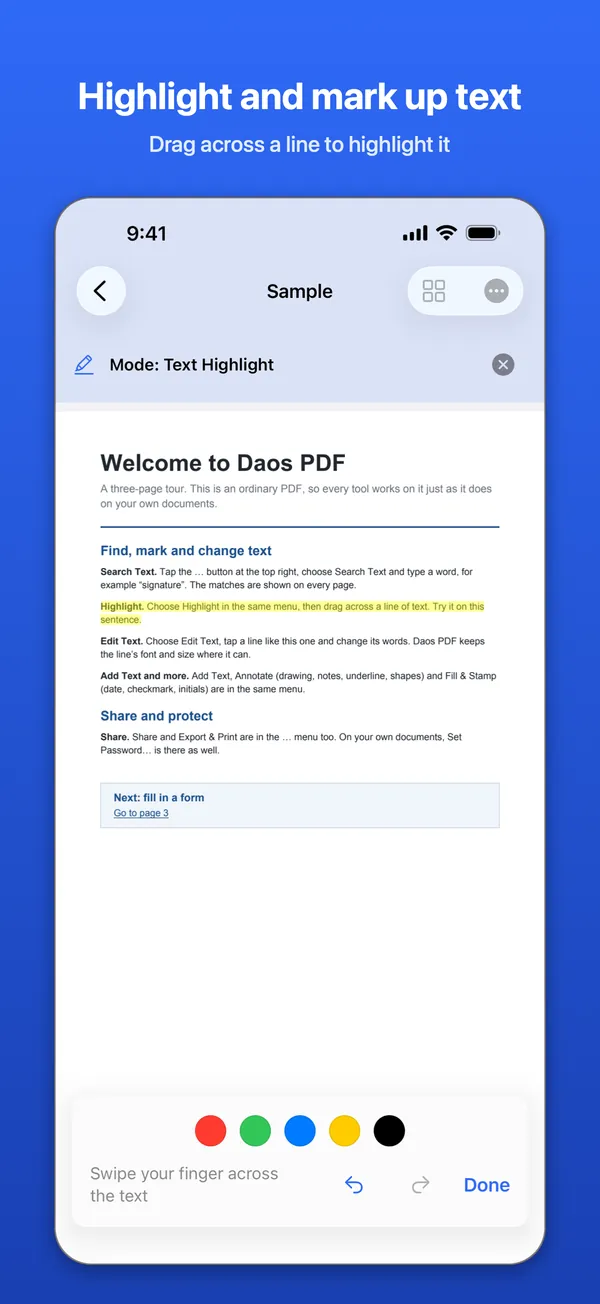
Highlight and mark up text
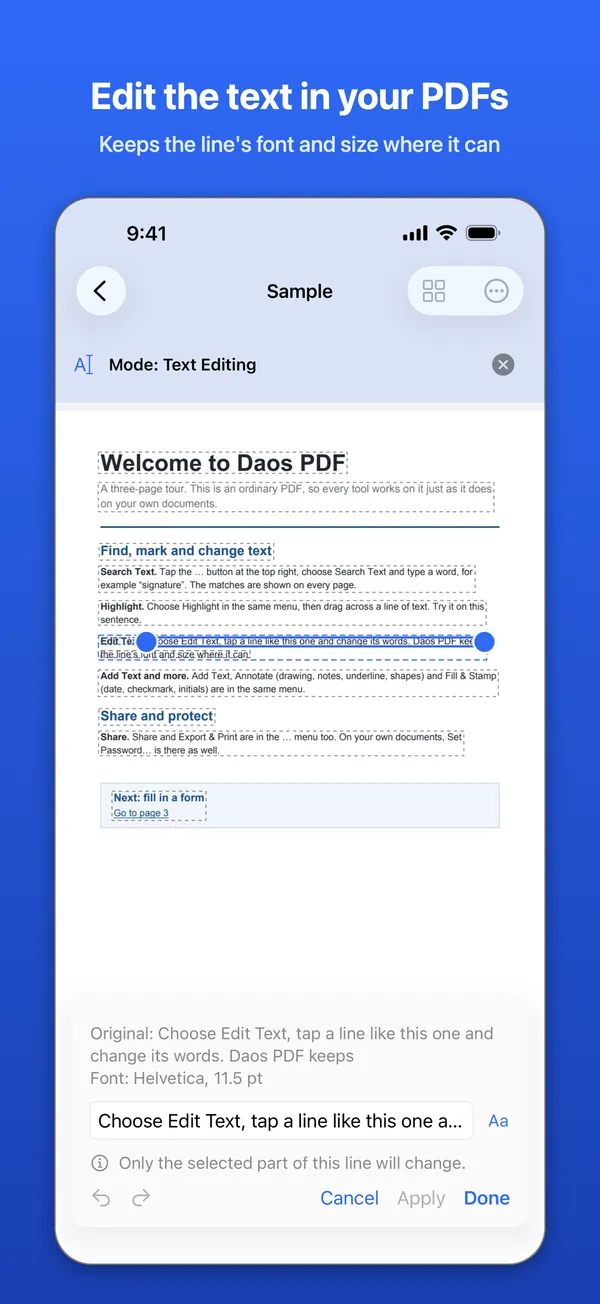
Edit the text in your PDFs
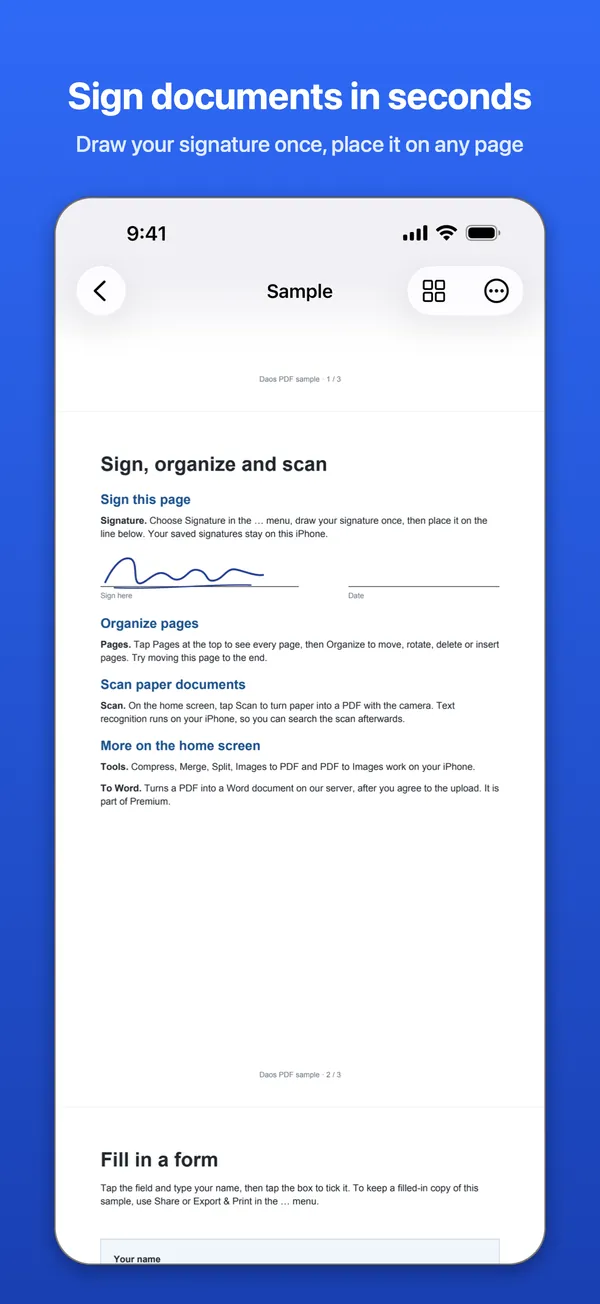
Sign documents in seconds
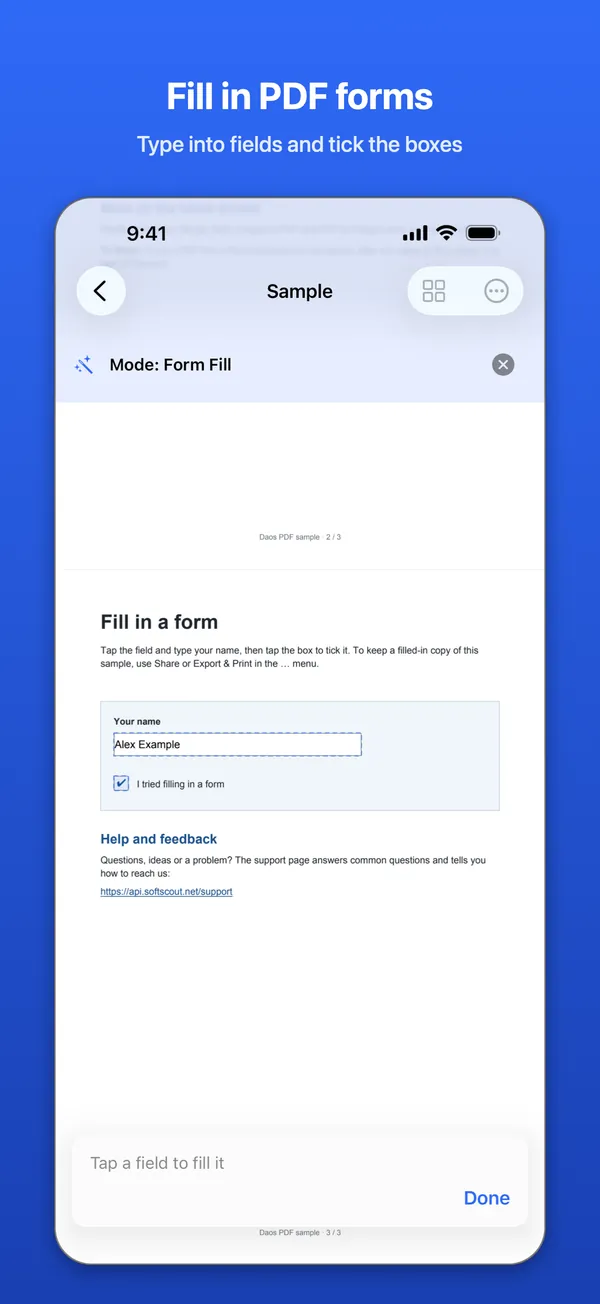
Fill in PDF forms
Fill in PDF forms
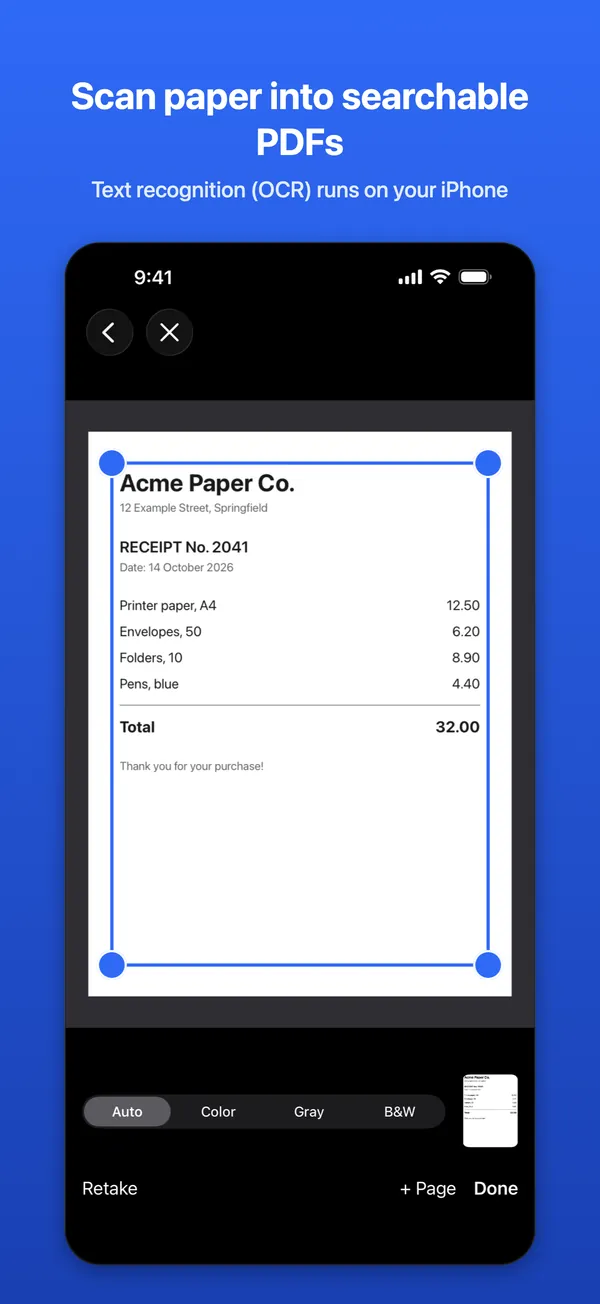
Scan paper into searchable PDFs
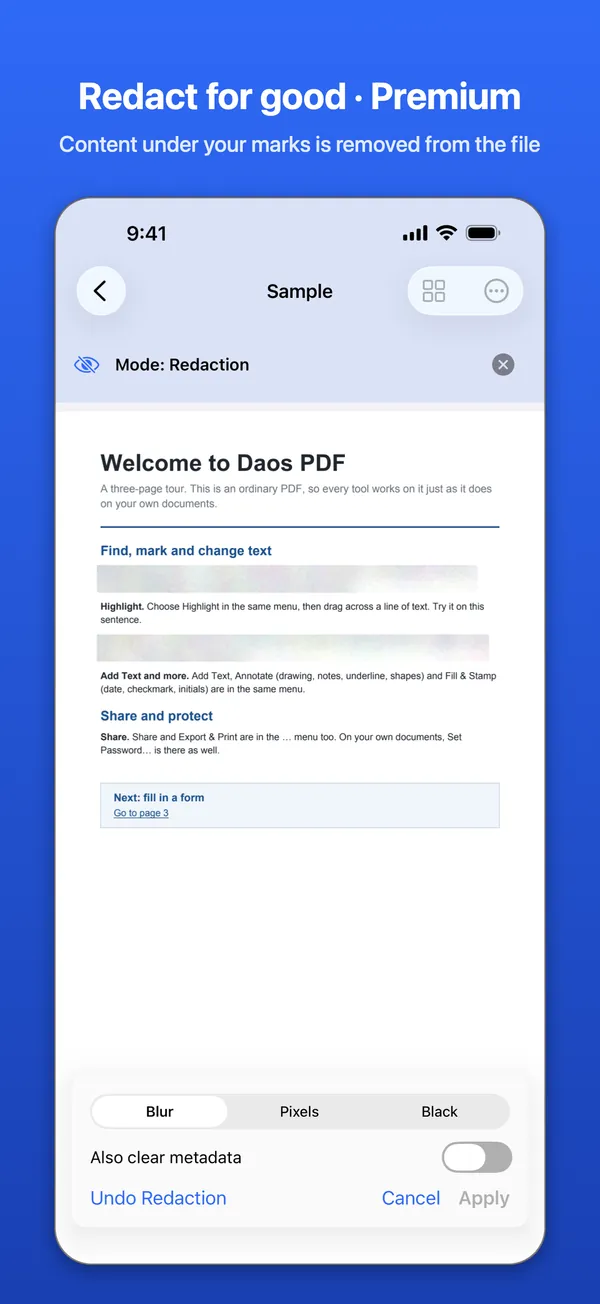
Redact for good · Premium
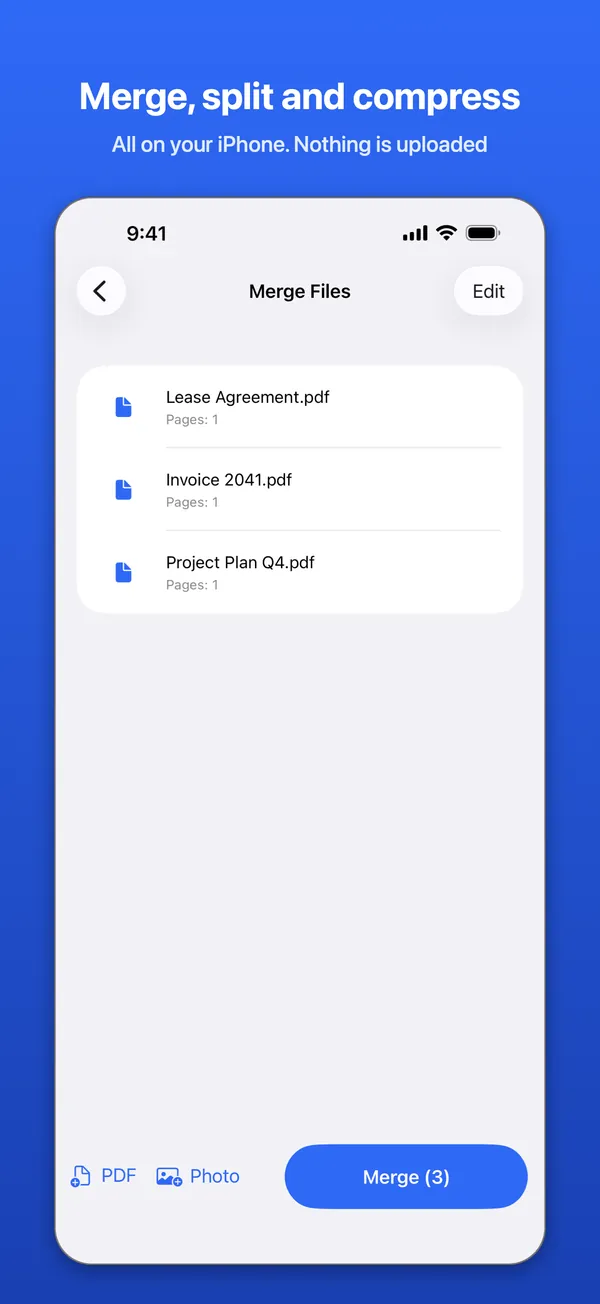
Merge, split and compress

Daos PDF is a fast, private PDF toolkit for iPhone. Read, edit, sign and scan documents on your device, with no account.

READ

  • Pages edge to edge, smooth zoom in every tool, page thumbnails
  • Page numbers and labels, Go to Page and the document's Contents
  • Opens where you stopped reading; the screen stays on while you read
  • Search from the current page, with every match highlighted
  • Select text with the iPhone's own selection: copy, look up, translate, share, highlight

EDIT AND ANNOTATE

  • Edit the existing text of a PDF; the line's font and size are kept where possible
  • Add text, notes, dates, checkmarks, initials, shapes and freehand drawing
  • Highlight, underline and strike through text
  • Fill in forms: text fields, checkboxes, radio buttons, lists and multi-line fields

SIGN

  • Draw your signature once, keep it in a protected library on this iPhone and place it on any page
  • Before a change would affect a digitally signed document, the app tells you and asks first

SCAN AND RECOGNIZE TEXT

  • Live edge detection and automatic perspective correction
  • Multi-page scans: reorder, delete and retake pages before saving
  • Filters: auto, color, grayscale, black and white
  • Text recognition (OCR) on the device, on by default, in 12 languages detected automatically: scans become searchable
  • Recognize text in scanned PDFs you already have, copy all of a document's text or export it as a .txt file

ORGANIZE AND CONVERT

  • Merge, split, reorder, rotate, delete and insert pages
  • Compress large PDFs and keep their text selectable
  • Images to PDF, with text recognition, and PDF to images
  • Protect a PDF with a password (AES-256) and open password-protected PDFs
  • Share a document as it is or with its annotations flattened; export and print with AirPrint

PREMIUM

  • Redact: mark text or an area and cover it with Blur, Pixels or Black. The content under the marks is permanently removed from the file (text, images, drawings, annotations and form values), not just covered. Optionally clear the document's metadata and remove attachments. Redaction runs on your iPhone.
  • PDF to Word: convert PDFs, including scanned ones, into editable Word documents. Conversion runs on your iPhone: no document is uploaded.
  • Stamps: your stamp from a photo, placed on pages, with today's date if you like

PRIVACY FIRST

  • Everything happens on your device, PDF to Word included: no document is uploaded
  • No account, no ads, no tracking
  • Analytics are off by default and anonymous if you turn them on
  • Erase All My Data deletes what the app keeps on this iPhone and on our server

IN 22 LANGUAGES

English, French, German, Spanish, Portuguese, Italian, Polish, Russian, Ukrainian, Japanese, Simplified Chinese, Korean, Traditional Chinese, Arabic, Hindi, Indonesian, Turkish, Vietnamese, Thai, Dutch, Swedish and Danish.

Requires iOS 17 or later.

SoftScout PDF Tools

Free online PDF tools that run in your browser: merge, split, compress and convert PDFs.

Open PDF Tools